Features / Boss Board
 Boss Board
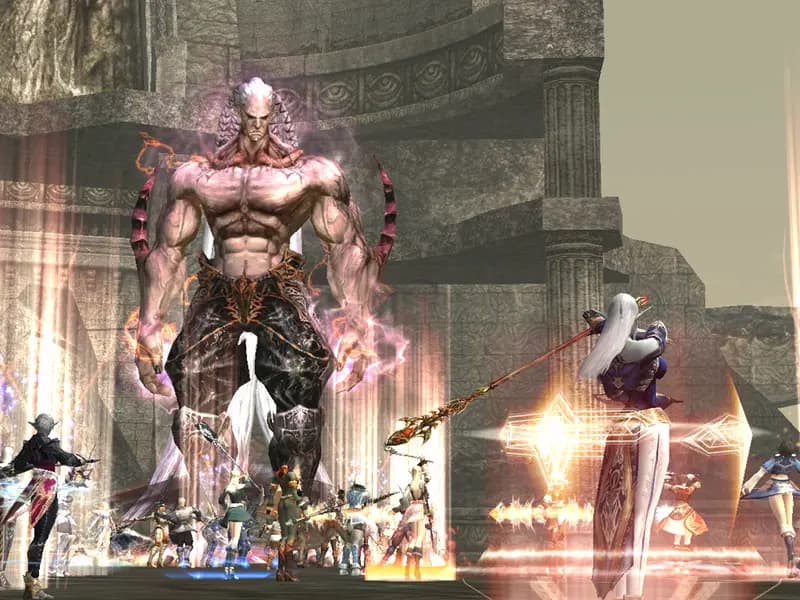
Type .boss (also .rb, .raid, .epic) to open the Boss Board.
How it works
- Type .boss (also .rb, .raid, .epic) to open the Boss Board.
- Pick a tab: Epic for the epic bosses, Raid for every world raid boss (filter by level), Quest for the subclass and Noblesse quest bosses.
- The Find a boss bar on every list tab searches all bosses: type part of a name, a level (60), a level range (60-70) or 76+, then press Search.
- Each row shows the boss level, its respawn rule and its live status. Bosses that are up are listed first, then the dead ones; each group goes from the highest level to the lowest, like the Gatekeeper lists.
- Info opens the Game Guide page of the boss with its drops.
The exact respawn moment is never shown, in game or on the website. You only see the earliest time and the random range.
L2Vez
Lineage 2 means Interlude.